AOE2 Mac Vs PC: Performance and Feature Differences
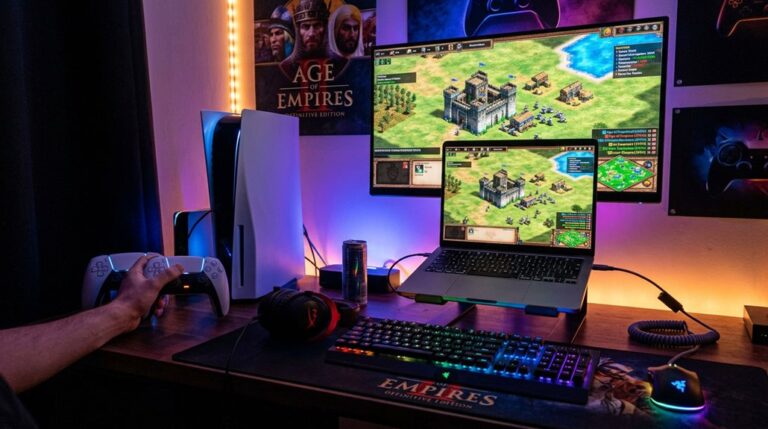
On Mac, AoE2 runs through emulation or virtualization, which often causes performance issues, like longer stutters and lower stability, especially on Intel Macs, while Apple Silicon offers better native support but still faces limitations. PC versions run natively, providing smoother gameplay, higher frame rates, better graphics, and stable performance. However, multiplayer and cross-platform features are restricted to specific platforms, limiting community engagement. Continuing to investigate reveals detailed differences to help you choose the best platform for your play preferences.
Scout Report
- PC offers better performance stability due to native support and optimized drivers, resulting in fewer and shorter stutters.
- Windows supports higher resolutions, higher refresh rates, and enhanced visual effects compared to Mac’s limitations.
- Mac’s Apple Silicon support provides high frame rates, but emulation on Intel Macs causes performance issues.
- Cross-platform multiplayer is unavailable; Mac and PC players cannot join the same games, limiting community interaction.
- Installation and updates are more straightforward on PC, while Mac requires emulation tools and manual configurations.
What Are the System Requirements for Running AoE2 on Mac and PC?

To run Age of Empires 2 (AoE2) on Mac and PC, your computer must meet specific system requirements that guarantee the game functions smoothly and without issues. Proper hardware optimization ensures compatibility, while the user interface remains accessible. For Mac, a 64-bit Apple Silicon processor, 8GB RAM, and integrated graphics are needed. The native support for Apple Silicon Macs means no workarounds like virtual machines are necessary, providing a seamless gaming experience. Additionally, the hardware requirements for PC include a 64-bit processor, 4GB RAM, and a dedicated graphics card.
How Does Performance Differ Between Mac and PC Versions of AoE2?
Performance in Age of Empires 2 differs markedly between Mac and PC versions due to hardware compatibility and frame rate stability. Macs with Apple Silicon chips can achieve high frame rates at native levels, but Intel-based Macs often struggle with emulation, causing fluctuations and delays. A native environment on Apple Silicon Macs provides better performance than emulation solutions, in contrast, PCs with dedicated graphics cards generally deliver more consistent and higher frame rates, especially at higher resolutions, making them more suitable for competitive gaming.
Frame Rate Variability
While both Mac and PC versions of Age of Empires II perform well, there are noticeable differences in how smoothly the game runs during intense gameplay.
Mac native builds experience 5 to 6 second stutters, influenced by hardware limitations, affecting performance consistency.
Conversely, PC systems show shorter 2 to 3 second stutters, offering more stable gameplay during large battles.
Hardware Compatibility Challenges
Differences in hardware compatibility considerably impact how well Age of Empires II runs on Mac versus PC. Hardware limitations, such as lack of native support for macOS, require emulation or virtualization, which introduces driver compatibility issues and performance overheads.
PC versions benefit from optimized drivers and direct hardware access, ensuring better stability and smoother gameplay compared to Mac versions, which face translation errors and higher latency.
How Do Graphics and Visual Quality Compare on Mac and Windows?
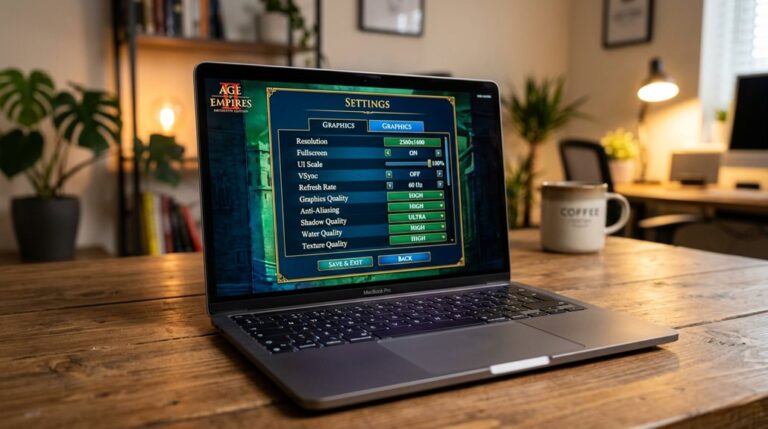
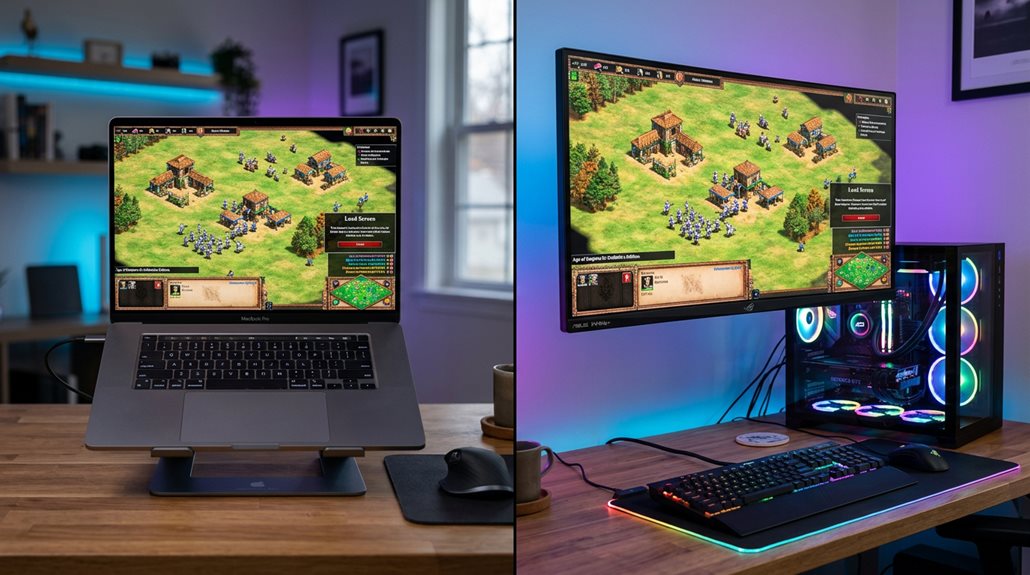
The graphics and visual quality of Age of Empires 2 differ between Mac and Windows in several ways. Mac’s native graphics rendering supports 4K resolution smoothly on Retina displays. However, the Windows version can take advantage of high-end GPUs and DirectX 12 features for more advanced lighting and effects. In battles, Windows offers enhanced shadow and lighting effects. Both platforms can display crisp visuals, though the overall experience depends on the hardware used. Additionally, the graphics settings options available on each platform influence the visual fidelity and performance you can achieve.
Native Graphics Rendering Differences
Since Mac and Windows use different methods for rendering graphics, their visual quality and performance can vary considerably.
Mac relies on Metal API with shader translation layers, which can cause minor frame pacing issues.
Windows executes shaders directly through optimized drivers.
Driver optimization on both platforms enhances visual fidelity, but differences in API and translation impact the overall rendering quality.
Resolution and Refresh Rates
When comparing resolution and refresh rates between Mac and Windows, you’ll find that their capabilities considerably impact visual quality during gameplay, affecting color calibration and audio synchronization.
Windows supports higher resolutions like 1080p and 4K with better scaling, while refresh rates up to 144Hz improve smoothness.
Mac defaults to 60Hz, often requiring manual adjustments for higher refresh rates, influencing overall visual clarity and responsiveness.
Visual Fidelity in Battles
Visual fidelity in battles between Mac and Windows versions of Age of Empires II: Definitive Edition is quite similar in many respects but also has notable differences due to the way each platform handles graphics and rendering.
Unit animation is smoother on Mac, while particle effects for spells and battles display higher fidelity on modern Macs.
What Are the Multiplayer and Crossplay Capabilities on Different Platforms?
The multiplayer and crossplay capabilities of Age of Empires II: Definitive Edition vary considerably depending on the platform you use.
Cross platform limitations prevent Mac and PC players from joining the same games, as multiplayer restrictions confine users to their specific platform’s matchmaking pools.
This separation reduces multiplayer options, limits community engagement, and excludes cross-platform competition.
Additionally, crossplay restrictions mean that PS5 and Mac players cannot join the same multiplayer sessions, further fragmenting the community.
How Easy Is It to Install and Update AoE2 on Mac and PC?
Installing and updating Age of Empires II: Definitive Edition differs substantially depending on whether you’re using a PC or a Mac.
The installation process on PC is straightforward, with native support and automatic updates through Steam.
In contrast, Mac users face a more complex installation involving emulation tools, and their update process requires manual intervention, such as replacing files or reconfiguring settings.
Additionally, for Mac users, utilizing the Feral Interactive port can streamline some parts of the installation, but it still involves additional steps compared to the PC version.
What Do Community Feedback and User Experiences Say About Playing AoE2 on Mac Versus PC?
Community feedback and user experiences reveal significant differences between playing AoE2 on Mac and PC, especially regarding performance stability and multiplayer issues. Community frustrations often stem from platform limitations such as desync problems, inability to cross-play, and lower performance during large battles on Mac. PC users report more consistent gameplay, highlighting the impact of these platform restrictions on the overall experience. Additionally, certain civilization strategies may be more effectively executed on PC due to hardware advantages.
Which Platform Offers the Best Overall Experience for AoE2?
Choosing the platform that offers the best overall experience for Age of Empires II depends on several key factors, including performance stability, multiplayer capabilities, graphics quality, and load times. PC platforms generally provide higher graphical fidelity, faster load times, and broader system requirements, allowing for more advanced shader effects and higher resolutions. Mac systems, while supporting native 4K, often face stability and multiplayer limitations. Additionally, the availability of game optimizations on PC can significantly enhance gameplay smoothness and responsiveness.
Frequently Asked Questions
Can Mac Users Access the Latest Aoe2 DLC and Updates?
Yes, Mac users can access the latest AOE2 DLC and updates through Steam, thanks to native Mac compatibility. You simply need to download the update first, then add the free UHD graphics DLC to enjoy enhanced visuals.
Are There Any Differences in Latency or Ping Between Mac and PC?
You’ll notice minimal differences in network stability and server latency between Mac and PC, with ping variances under five milliseconds. However, Mac users might experience slightly higher latency and packet loss, affecting online multiplayer responsiveness.
Does macOS Support All Aoe2 Multiplayer Features and Modes?
You won’t find all Age of Empires II multiplayer features on macOS, as it lacks support for certain modes, cross-play, and some community modes, impacting your experience of graphical fidelity and user interface compared to PC.
How Does Battery Life Impact Gameplay on Mac Laptops?
Battery life impacts your gameplay by causing power consumption to increase, which triggers battery optimization measures like reducing frame rates and limiting performance. These adjustments help conserve energy but can slightly hinder your gaming experience.
Are There Any Specific Hardware Peripherals Optimized for Aoe2 on Mac or PC?
You’ll find that peripheral compatibility and hardware optimization vary; gaming-grade mice and keyboards with customizable macros are best for PC, while Mac peripherals often need adapters, and limited driver support impacts hardware optimization, affecting your gameplay experience.
GG
Overall, playing Age of Empires 2 on PC generally offers better performance, higher graphics quality, and easier updates compared to Mac. The PC version tends to have smoother gameplay, more reliable multiplayer options, and broader community support. While Macs can run the game, they often face limitations in performance and compatibility. Consequently, if you want the best experience with fewer technical issues, using a Windows PC is the more effective choice.