Hotkeys matter more than micro because they reduce delay between commands, letting you act faster in battles and economy. The grid layout standardizes actions on a predictable key grid, making bindings easier to learn and recall under pressure. Start by essentials: map Town Center, idle villager, cycle TCs, select all TCs, and assign control groups for armies and economy, then bind core buildings for early tempo. Create a default profile, practice 5 minutes daily, and you’ll build speed and precision as you progress. If you keep going, you’ll uncover more improvements.
Takeaways
- Use a grid-based hotkey layout for predictable, quick access to actions and faster decision-making.
- Bind Town Center, idle villager, cycle Town Centers, and all TCs to quick keys for efficient economy management.
- Create and practice control groups for armies and economy to eliminate re-selection time.
- Assign core production buildings (barracks, ranges, stables) to quick keys to boost early-game tempo.
- Maintain a default profile, practice 5-minute drills daily, and regularly update bindings for continuous improvement.
Why hotkeys matter more than micro
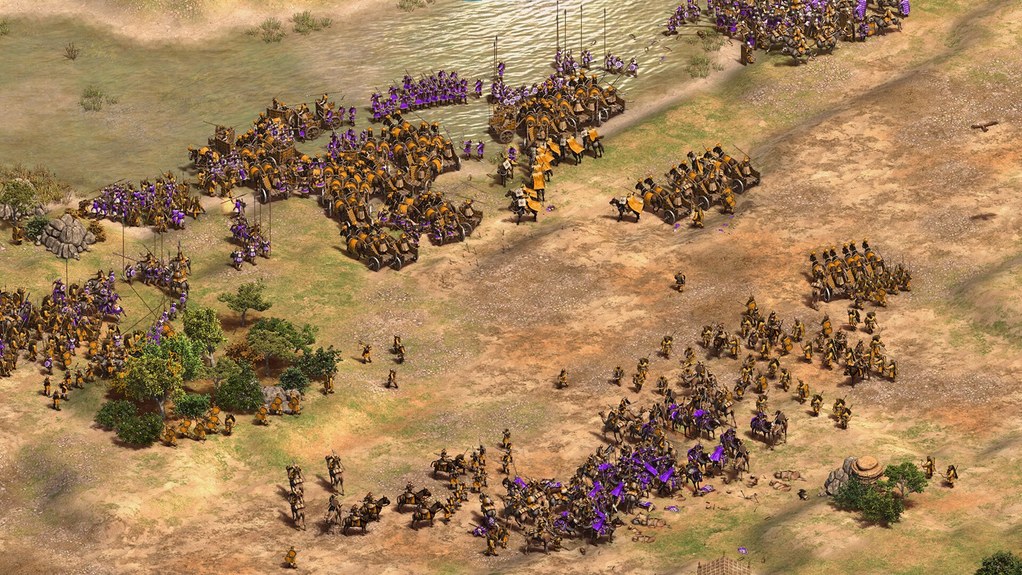
Hotkeys matter more than micro because they change how quickly you can start and execute actions. When you use hotkeys, you reduce delays between commands, sustaining momentum in battles and economy tasks.
Proficiency comes from consistent bindings, control groups, and quick access to production buildings, villagers, and scouting. This clarity improves reaction time and overall strategic efficiency.
The grid layout option and why most players switch to it
The grid layout option remaps every action to a position-based key grid, and most players switch to it because it makes hotkeys more predictable and easier to learn. The grid layout makes hotkeys more predictable and easier to learn, and consistency matters more than any single key.
| Action | Recommended key |
|---|---|
| Town Center | |
| Idle villager | |
| Cycle Town Centers | |
| Build hotkeys | |
| Control groups |
Essential bindings everyone should set immediately
You should set essential bindings now, focusing on Town Center control, idle villager identification, cycling and selecting all Town Centers, and managing military production.
Map the actions to quick keys for ranges, stables, and barracks, and assign core build hotkeys for each age so you can advance smoothly and respond fast.
Use control groups (Ctrl plus a number key) to manage armies and economy, and confirm each key in the in-game Options screen.
Town Center, idle villager, cycle Town Centers and select all TCs
To set up essential Town Center control, idle villager management, cycling through Town Centers, and selecting all Town Centers, begin by mapping key actions to reliable buttons you can press quickly.
In your hotkey setup, assign TC select, idle villager and cycle TC to intuitive keys, using Ctrl groups for rapid selection.
Confirm defaults in Options and keep the layout consistent.
Military production: select all ranges, stables and barracks
How should you bind the military production buildings to quickly access all ranged units, stables, and barracks without losing game flow?
Assign a single control group to all ranges, stables, and barracks. Then use another group for archers and melee production. This aligns with good control group habits, enabling rapid production decisions while preserving macro rhythm.
Verify keys in Options.
Build hotkeys for the core buildings
Core buildings form the backbone of your early-game tempo, so binding their hotkeys right away is essential for smooth growth. You should plan build hotkeys for the core buildings, then confirm each in Options.
Use control groups to lock positions and speed up production. Plan build hotkeys for the core buildings, then confirm each in Options and practice linking actions to easy-to-reach keys.
Control groups: the single best habit to learn
Control groups are the single best habit you can develop for AoE2: DE because they let you command multiple units and buildings quickly without reselecting them each time.
You’ll assign groups to number keys, then switch rapidly to manage armies and economy. Use control groups with hotkeys to improve efficiency; this is essential to fast play.
Recommended default profile and how to import and export it
A recommended default hotkey profile provides a solid starting point you can tweak to your play style, and it’s the safest way to guarantee consistency across games without building bindings from scratch each time.
You should use a hotkey profile as your baseline, then import or export it to share settings, preserve progress, and apply updates consistently across devices. New players can pair this with the build order cheat sheet and the beginner build order guide.
A 5-minute daily practice drill
A focused five-minute routine builds speed and accuracy if it hits the same actions every day. For a structured routine, see how to practice build orders in AOE2.
Hotkey practice reinforces essential actions, minimizes misclicks, and solidifies control groups. Practice targets include town center management, idle villager alerts, and basic build orders.
- Set core bindings
- Cycle buildings and idle villagers
- Use control groups
- Review and adjust bindings regularly
Console note: controller mapping on PS5 and the differences
PS5 controller mapping for AOE2: Definitive Edition differs from keyboard-heavy play and should be understood before applying hotkey routines. See our AOE2 PS5 controls guide for the full controller layout. On PS5, you’ll map actions with a grid similar to keyboard layouts, but use shoulder buttons and triggers for quick cycles.
PS5 hotkey play requires practice, and controller limits matter, while you compare to keyboard setups and tailor profiles for efficiency.
More build orders: Britons archer rush and men-at-arms.
FAQ
This FAQ covers the best hotkey setup for AOE2: Definitive Edition, the grid layout, control groups, and how to save and import profiles.
What are the best hotkeys for AOE2: Definitive Edition?
AOE2: Definitive Edition benefits greatly from a well-structured hotkey setup, and the best hotkeys are those you can customize to fit your playstyle while still enabling fast access to essential actions.
- Town Center, idle villager, cycle Town Centers, select all Town Centers
- Select all military buildings, core age build keys
- Control groups (Ctrl + number) for armies and economy
- Save/import hotkey profiles for quick setup
Is the grid layout worth switching to?
Grid layout can be a worthwhile switch for many players, but its value depends on your goals and how you prefer to access actions.
The grid layout remaps commands to a position-based grid, which can speed access for key tasks like Town Center control and production.
Confirm each key in Options, then practice with short drills and benchmarks.
How do I select all Town Centers and production buildings?
To select all Town Centers and production buildings, use the appropriate control groups or hotkeys you’ve assigned in Options.
Then follow these bindings for consistency:
- Select all Town Centers
- Cycle Town Centers
- Select all barracks, stables, ranges, archery pits
- Quick build hotkeys for current age
Keep the list in sync with your saved profile.
How do I set up and use control groups?
Control groups are a core tool for organizing your army and economy quickly, so setting them up correctly saves you essential micro and macro time.
To start, assign meaningful keys, then group units by function (military, villagers) and switch between groups with a single hotkey.
Follow this guide to build a solid control group and hotkey setup.
Can I change hotkeys in-game and how do I save or import the profile?
Yes, you can change hotkeys in-game and you can save or import your hotkey profile.
To change hotkeys, use the Options menu to customize bindings, then save your profile for future use.
You can import profiles from files to apply a preferred setup across installs.
- Access hotkeys via Options
- Save current profile
- Import a saved profile
- Keep a reference table for actions