Before your first ranked match, set up 15 practical steps: verify hotkeys, Town Center queuing, scout use, walling, and a solid build order; review replays to spot mistakes and timing gaps; adjust graphics, sound, controls, and control groups; save a preferred profile for quick setup; practice systematic use of control groups and villager discipline; use the market and plan army composition; learn to resign and review losses for improvement; check console vs PC differences and platform settings to guarantee a consistent play experience. If you keep exploring, you’ll uncover more tips.
Takeaways
- Confirm hotkeys, control groups, and Town Center queuing; practice a consistent build order and walling plans before starting ranked matches.
- Review replays to analyze decisions, timings, and mistakes for steady improvement and resource management.
- Adjust graphics, sound, and controls for stable performance; save a personalized profile with hotkeys and control groups.
- Practice a single early-build (Men-at-Arms or Scout rush) and balance villagers with early military pressure.
- Understand PS5/console considerations if playing on that platform; verify controller mappings and crossplay implications.
The 15 actions, checklist style
You’ll use a clear, action-focused approach to excel at 15 checklist items, from hotkeys and Town Center queuing to control groups and resigning gracefully, with each step tied to a practical reason and linked to our specialist guides. Before you play, review settings and PS5/console notes, confirm key assignments in-game Options, and remember to check relevant articles for deeper guidance. This section introduces the core actions and points you to the site’s detailed guides: the beginner build order guide, best civs for beginners, PS5 beginner guide, hotkeys guide, build order cheat sheet and how to practice build orders.
| Action | Why it matters |
|---|---|
| Hotkeys | Speeds up every task, from creating villager queues to issuing commands |
| Town Center queuing | Keeps production steady and minimizes idle time |
| Scout use | Early map knowledge decides your walling and build choices |
| Walling | Buys time against the most common early rushes |
| One build order | Practicing a single opening builds muscle memory faster than switching |
| Replays | The fastest way to find the mistakes you repeat every game |
| Control groups | Selecting armies and production in one keypress instead of clicking |
| Boar luring | Loses no villagers and adds hundreds of early food |
| Market use | Smooths resource imbalances when you are short on one thing |
| Resigning and reviewing | Short, focused losses teach more than long, unfocused ones |
The 15 actions explained
The first item on the checklist covers hotkeys, Town Center queuing, scout use, walling, a single build order, replays, settings, control groups, boar luring, idle villager discipline, the minimap, market use, army composition basics, resigning, and reviewing losses.
You’ll confirm each key in Options, learn efficient town center queuing, and study replays to understand decisions, timings, and mistakes for steady improvement.
Settings to change before your first match
Before your first match, you should adjust several core settings to guarantee smooth gameplay and consistent performance. Start with in-game video and audio options for stable frames and clear cues.
Review settings related to controls, ensuring hotkeys are logical and comfortable. Organize control groups for rapid unit selection, and confirm key bindings in the Options screen before playing a ranked match.
The one build order to learn first
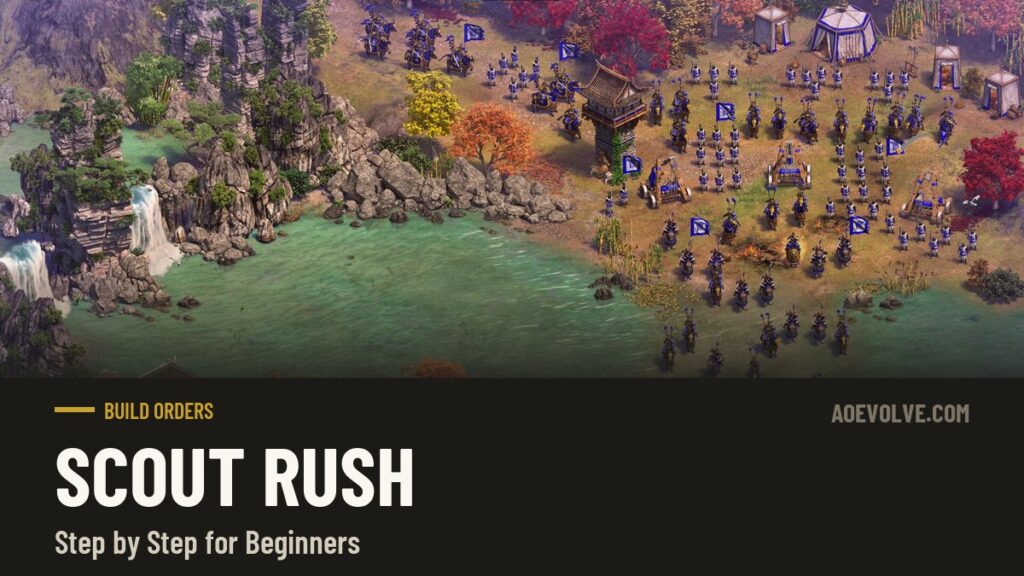
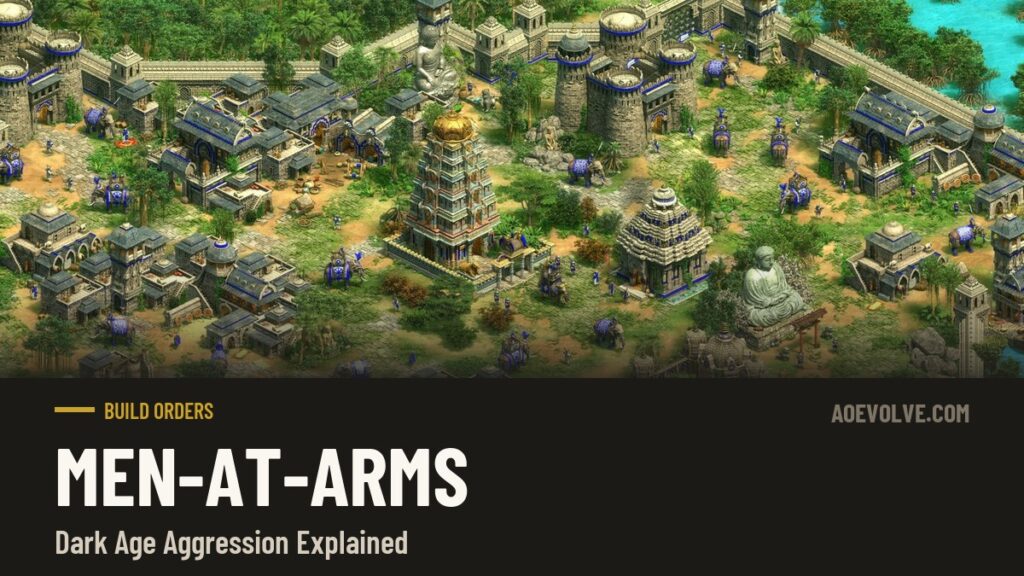
The one build order you should learn first is either a Men-at-Arms rush or a Scout rush, so you can practice quick early pressure while keeping your town running smoothly.
Start by producing villagers, then Scout or Armies as your option, and keep your Town Center queue steady to avoid idle time.
After you try it, watch replays and compare how each choice affects resource balance, production timing, and map control.
Men-at-Arms or Scout Rush as the starter build
Starting with a Men-at-Arms or Scout Rush can give you a solid, early pressure that helps you practice key macro and scouting habits, but which option you choose matters for your resource flow and defense.
In this beginner build, you balance villager production, early military options, and scouting intel.
Consider men-at-arms rush for direct aggression, scout rush for faster map control, and review alternatives.
PS5 and console section
On consoles like PS5, you’ll use a controller layout that maps actions to buttons you press while playing. You should confirm each key in the in-game Options screen rather than relying on fixed defaults.
We’ll compare how crossplay works, noting that PC players can match with console players in some modes. However, you may see differences in input timing and UI behavior between platforms.
We’ll also discuss how controller mapping interacts with the game’s menus. The importance of checking any platform-specific settings is crucial.
Finally, we’ll cover how to reference our specialist PS5 tips for detailed configuration.
Controller mapping, crossplay and the differences
For PS5 and console players, controller mapping and crossplay differences matter because they directly affect how you control units, manage resources, and coordinate with teammates.
Be sure to review controller mapping in Settings, noting any customizations, and understand crossplay implications on matchmaking and lobby balance.
Confirm defaults in the in-game Options screen, and examine specialist guidance linked here for consistency with your settings.
More build orders: Persians fast castle, hotkeys guide and Aztecs men-at-arms.
FAQ
Here’s how to start: you should address what to do first in AOE2, which settings to adjust before your first match, how to improve quickly, and whether AOE2 is hard on PS5, with links to specialist articles for comprehensive guidance.
Then you’ll cover the specific questions, what to do first, which settings to change, how to get better fast, and PS5 difficulty, by outlining practical steps and pointing to detailed resources.
Remember to verify any in-game default key assignments in the Options screen rather than assuming them, and refer readers to the site’s expert guides for detailed, step-by-step instructions.
What should a beginner do first in AOE2?
What should a beginner do first in AOE2? Start with a simple game setup, focusing on a safe, steady build order and basic scout practice to locate resources and plan early actions.
Learn control hotkeys by confirming them in Options, then practice clear villager assignments and TC queuing.
Use beginner tips and gradually review replays to reinforce good habits and improvements.
What settings should I change?
Which settings should you adjust before your first match to guarantee smooth play and better fundamentals? Start by confirming in-game options for graphics, sound, and performance to reduce lag.
Set up settings, control groups, and hotkeys, then save a profile.
Use consistent key bindings, test them in practice, and reference official guides for precise mappings.
Check out related articles for deeper tweaks.
How do I get better fast?
To get better fast, focus on consistent practice that builds solid fundamentals rather than chasing fancy tricks.
You should open hotkeys early, watch replays to spot mistakes, and adjust settings for smoother input.
Build a single reliable plan, then refine with small, measurable goals.
Use watch replays and settings to track progress, and consult specialist articles for deeper methods.
Is AOE2 hard on PS5?
Playing Age of Empires II on PS5 isn’t inherently harder than on PC, but the experience can feel different due to console controls and system latency.
You’ll find the game is manageable with patience, using age of empires 2 ps5 tips and aoe2 beginner tips.
Refer to aoe2 settings guide for options, and verify controls via in-game Options before starting.